Eyes On
English · 中文版
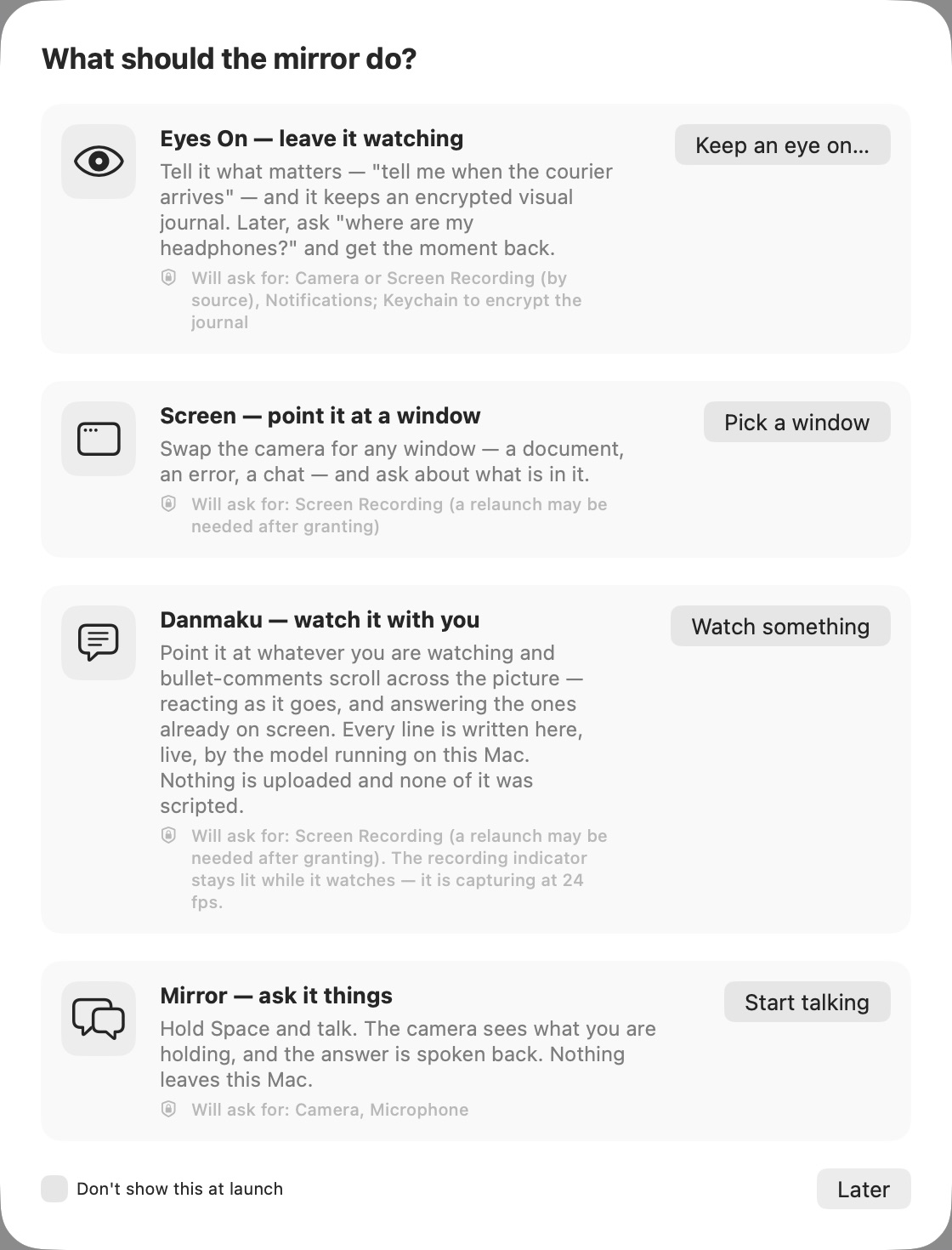
Give your Mac something to watch. Eyes On can answer questions about the camera or a chosen window, alert you when something happens, or narrate what it sees. Frames, speech and history stay on the machine.
Watch for what matters
Point the camera at a doorway and ask to be notified when a delivery arrives. Choose a window and ask about the document, error or conversation on screen. Eyes On can also keep an encrypted local history, so a later question can lead back to the relevant moment.
Camera, screen and voice
The same application supports event watching, questions about a selected window, live commentary and a spoken conversation mode. Camera and microphone access are used only by the mode you start; no captured content is uploaded.
Two processors, one local pipeline
The vision transformer runs on the Neural Engine while the language model decodes on the GPU. Image preparation can overlap text generation instead of interrupting it. See the measured architecture and results →
Status: coming to the Mac App Store. It is not available to download yet; this page will link to it when it is.
Built on Tempo9.